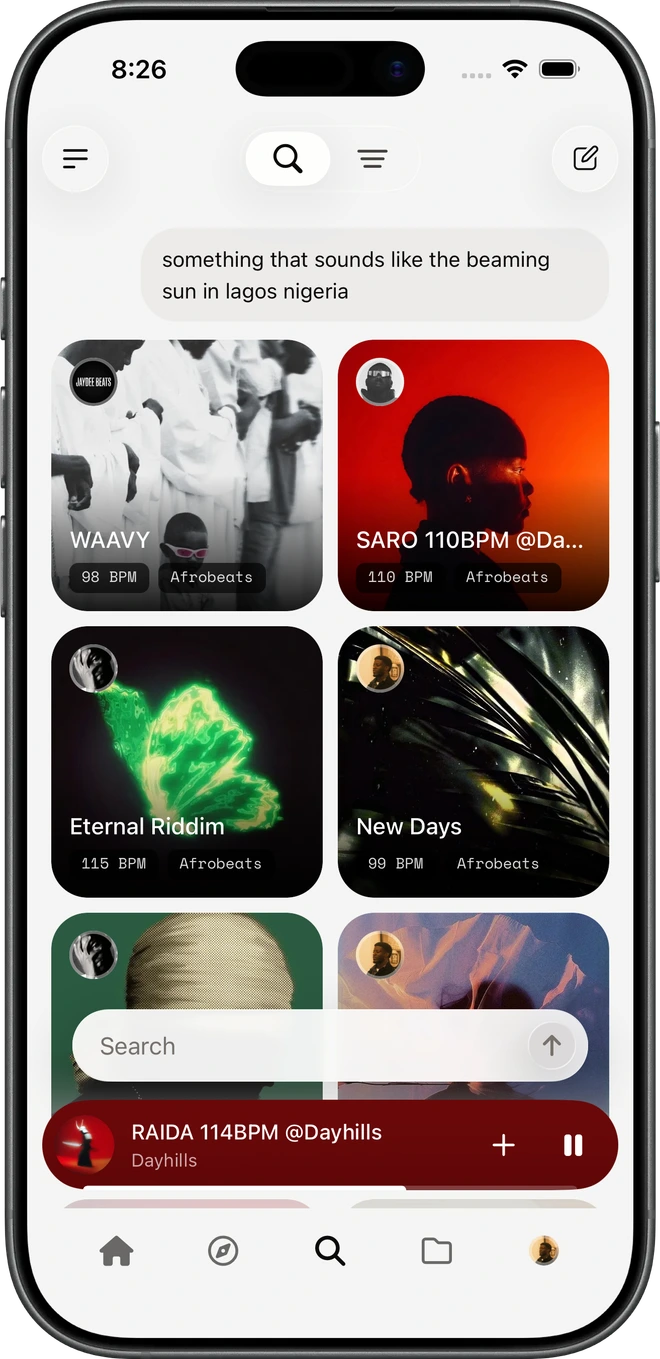
Find the beat you’ve been hearing in your head.
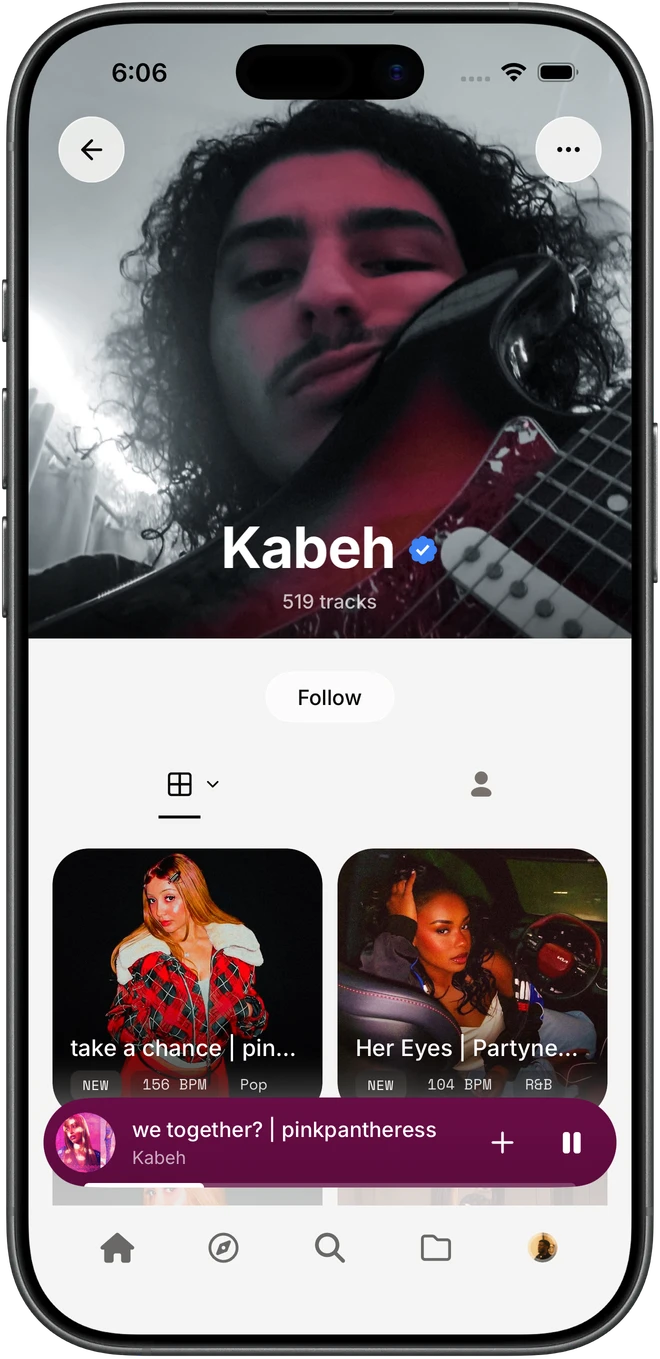
Describe the sound you’re after and find beats that get you closer to the song you want to make.
Find a beat that sounds like you, catch the first line before it’s gone, and keep the whole idea in one place. Your next song can start wherever you are.

Describe the sound you’re after and find beats that get you closer to the song you want to make.
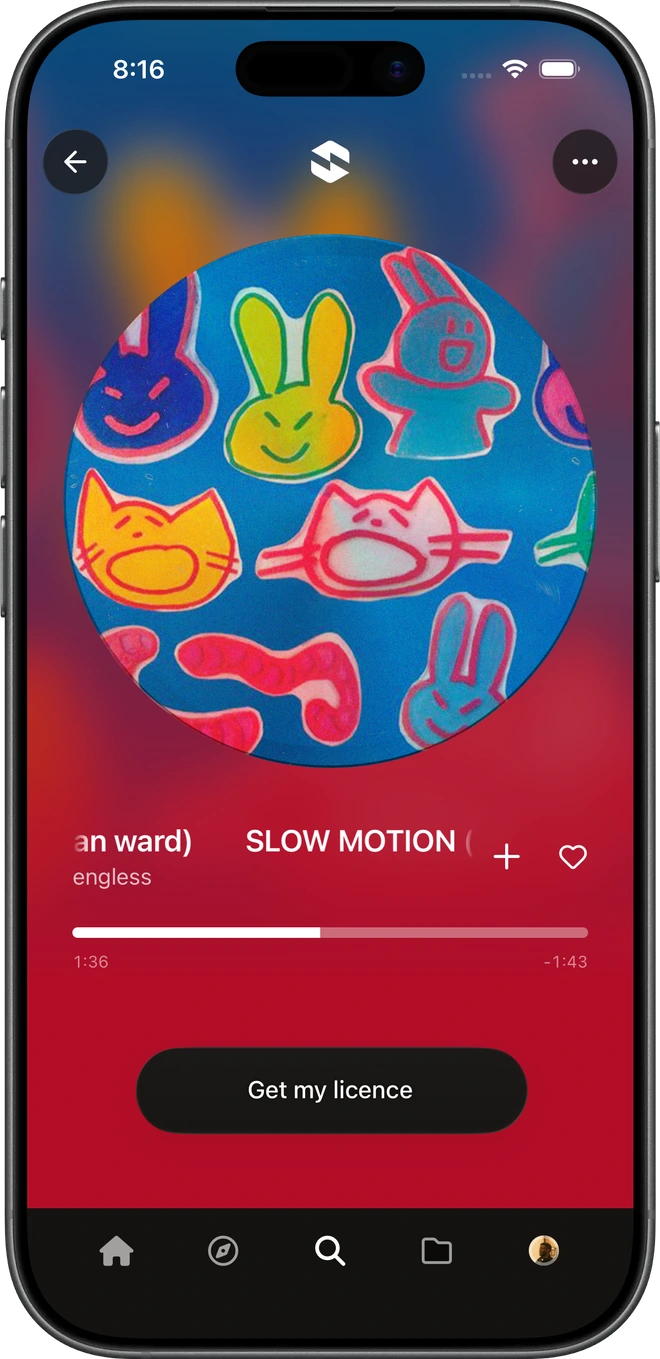
Listen, choose a licence and get the files you need to turn that beat into your release.
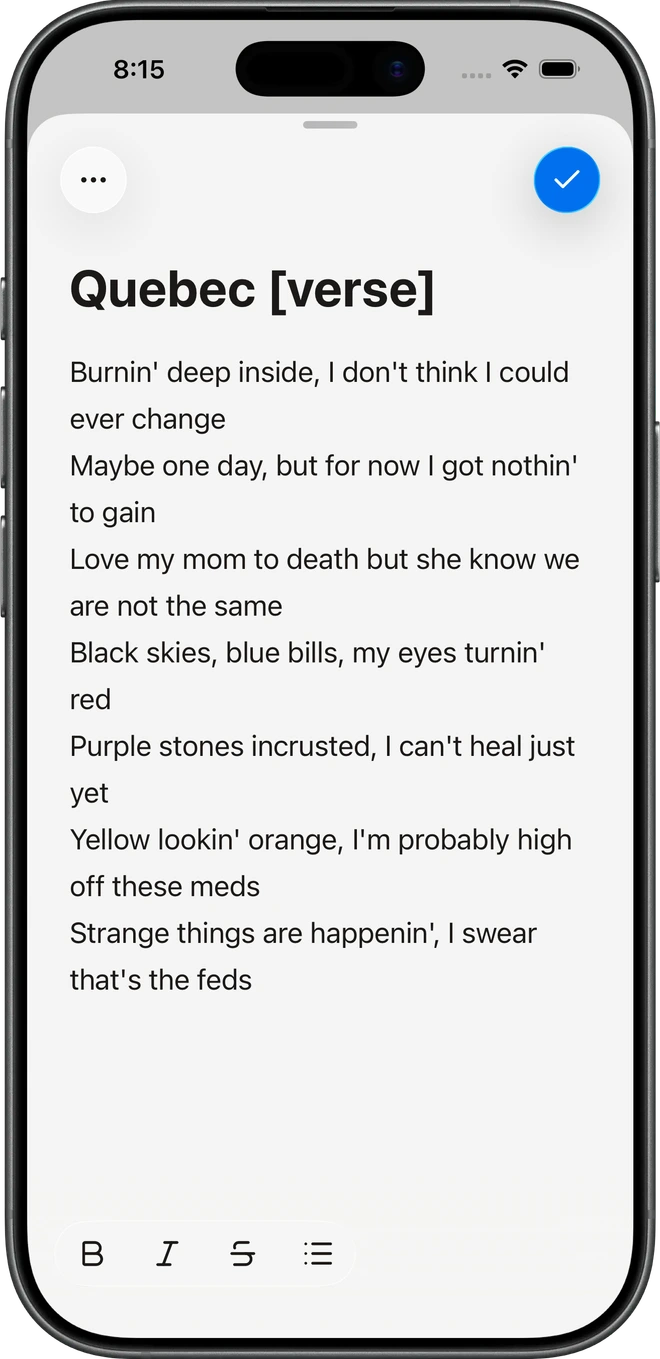
Start writing while the beat is still fresh in your head, and come back when the next line finds you.
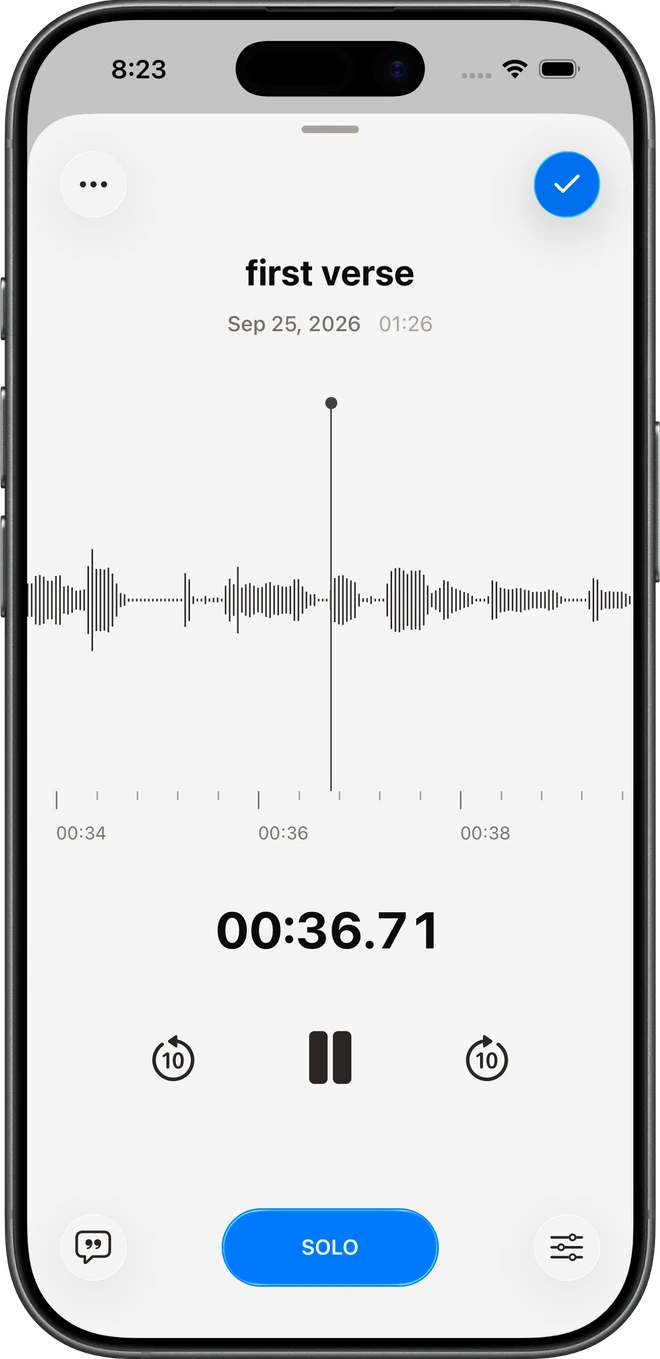
Record a hook, a flow or a rough take wherever you are, so you’ve got something to build on later.
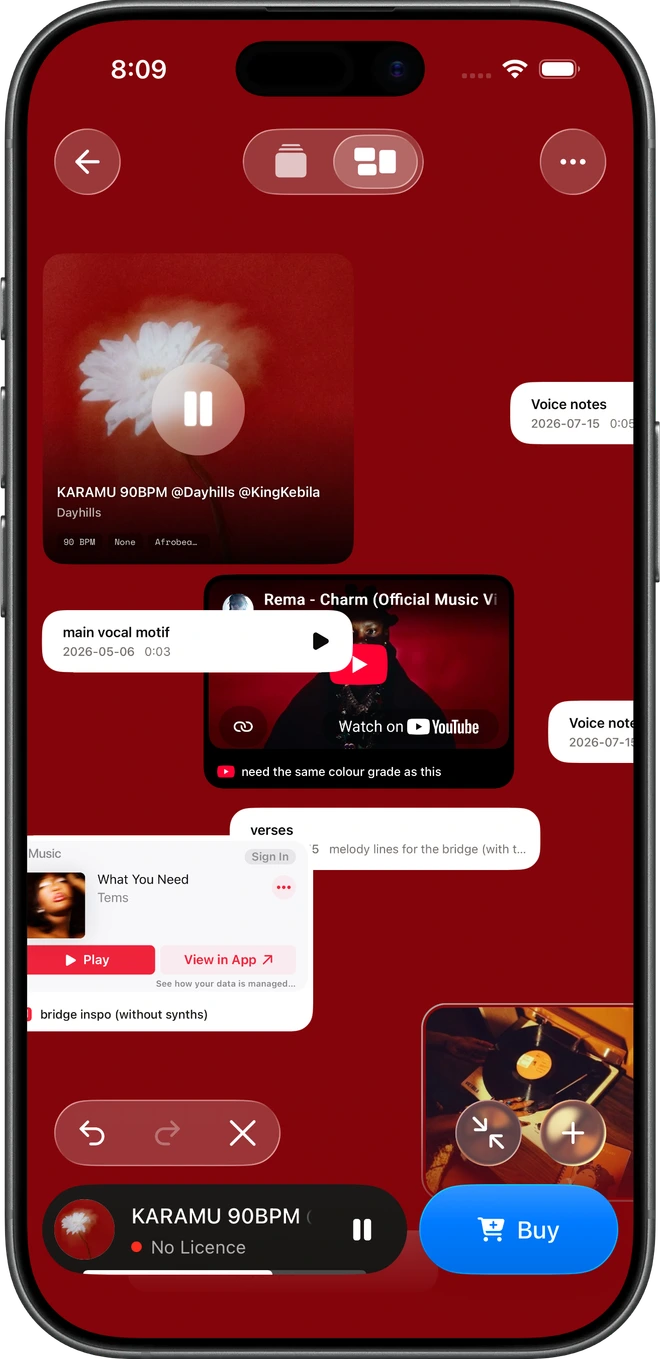
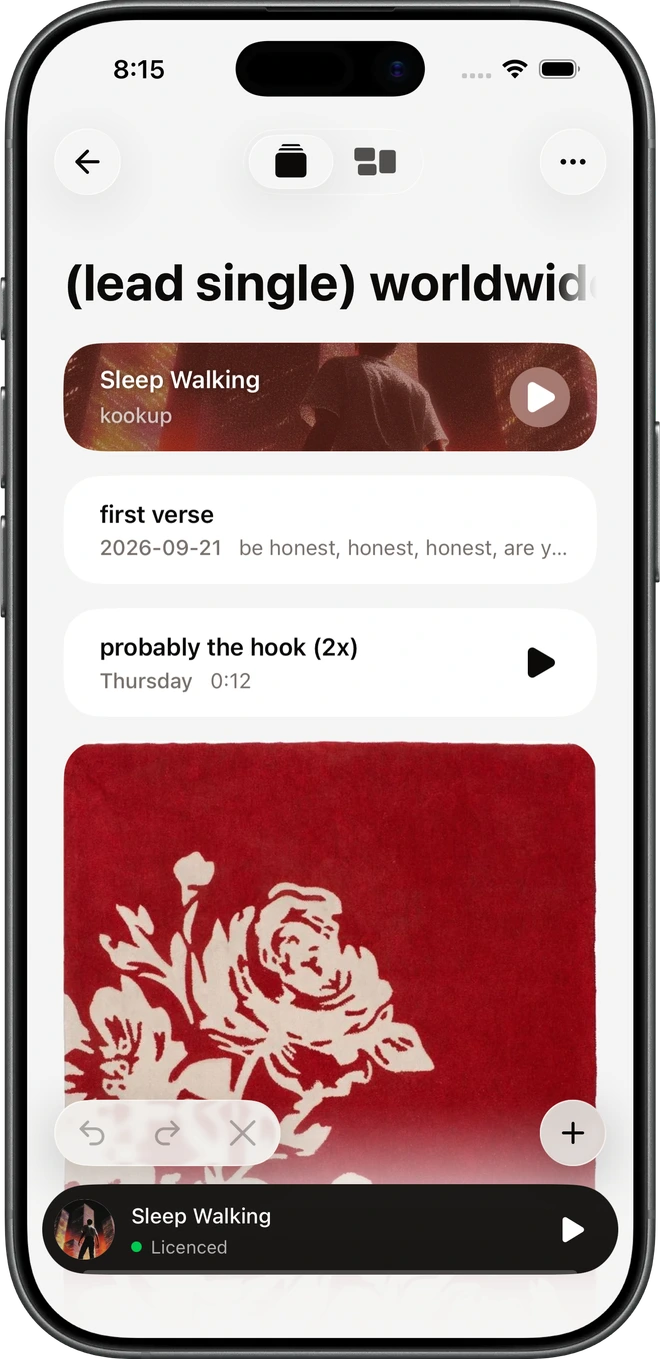
Bring your beat, lyrics and recordings onto one canvas, where you can see how your song is coming together.
Keep your beats and ideas together, ready for the next time you’ve got a moment to make music.
Give it somewhere to start.